
Kids. On the beach.

Philadelphia has never looked this delicious.
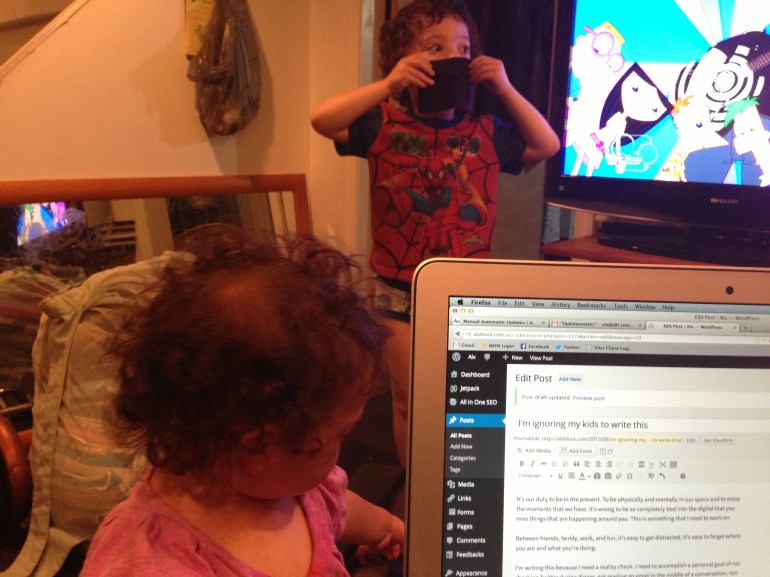
My world is about communication. There are tweets, emails, work notifications, chat rooms, Skype, Facebook, and any other ping, beep, bloop, or ding that you can imagine.
With so much to interact with virtually, I often find myself not interacting physically. This is a problem.
It’s our duty to be in the present. To be physically and mentally in our space and to enjoy the moments that we have. It’s wrong to be so completely tied into the digital that you miss things that are happening around you. This is something that I need to work on.
Between friends, family, work, and fun, it’s easy to get distracted. It’s easy to forget where you are and what you’re doing.
On a larger note, I wonder how many of us do this. Even though we may just be stealing a few moments here and there to CHECK ALL THE THINGS, what effect does it have?
What are we teaching our kids?
If we’re so into many things at all times, what are we missing in the here and now?
How much attention can we really give to what’s important if we’re in a constant state of multitasking?
We all need to reflect on where we are sometimes. For me, it’s this day. Every year.
It’s the day that I get one year older and one year wiser. I usually spend the days before my birthday thinking about all of the things that I’d like to change about my life, and then I try to spend my birthday itself thinking about all of the things that I love.
It creates a truly positive day and gives me the chance to be honest with myself about how content I really am with my station in life.
I just wanted to take a moment on this day to recognize out loud that I’m one lucky dude. I’m completely grateful for the friends and family that surround me at every turn, and completely honored to be a part of this existence. I absolutely love my life and the adventure that I’m on.
As I spend today reflecting on the positives, I just have to say, this is one heck of a ride and couldn’t be more content.
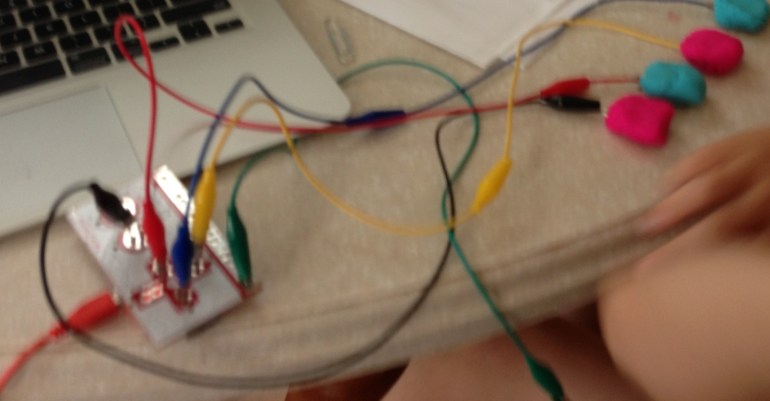
The MakeyMakey is AWESOME. The concept is to connect the real world to the internet, and it does it in such a fantastic way. It’s super-fun finding conductive objects to play music, games, or do anything else that you would normally do with a keyboard.
In our house we decided to do some learning using a math skills game with strawberries as the controller. Check it out:
I’ve always had a love of magic. From the moment I realized that I could be a participant in inspiring awe, it’s been a passion. Performing magic tricks has really influenced the way that I approach life. Everything from the type of salesman and negotiator I am, to the way that I raise my kids comes back to magic tricks. It’s mostly about being a step ahead and embracing wonder than anything else.
For the last few years, though, I’ve let that hobby lay dormant in the back of my mind. I think that I’ve convinced myself that raising a family and building my career would leave no time for things like learning new tricks. A few weeks back, however, I took an awesome trip with some of my co-workers to Santa Fe, NM where the Amazing Bryan reminded me just how important it is to embrace wonder and awe.
I pulled out some old tricks and was much more rusty and clunky about it than I thought I would be. Since then, though, I’ve tried to keep magic at the forefront of my mind and have even started carrying around a deck of cards again. It feels good to get back into the swing of things. It feels even better to reinvigorate a hobby that I thought that I had let go of. In many ways, I’m starting over. In other ways, pulling old tricks out of the recesses of my brain is like a magic trick all its own.
A few months ago, I somehow convinced myself that buying the Belkin Wemo was a good idea. The thought of home automation has always felt like the holy grail of geekyness, and if I could figure out a reasonable way to do it, I’d be the happiest kid on the block.
The truth about these types of gadgets, though, is that we’re not quite there yet. It’s totally cool to have a wifi-enabled socket, but it’s not quite useful enough. It’s a straight power/no power switch that you can do geeky things with. But how many of our modern devices work by simply plugging them in?
I’d never be able to use it to brew my coffee, because I have to press the brew button. I can’t use it to turn on my stereo, because I have to hit the power button. There are so many things that I want to do with it, but as I said, we’re not quite there.
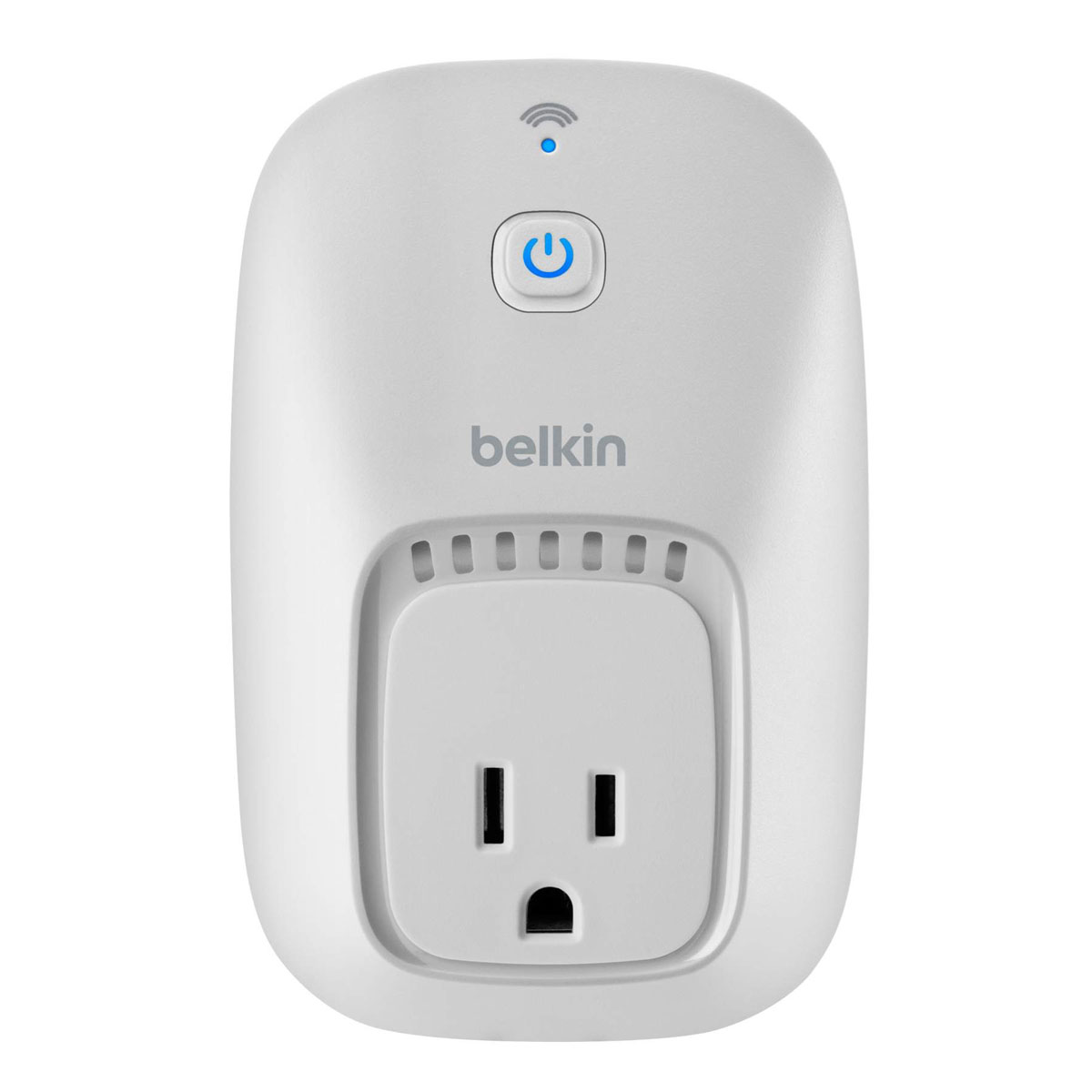 The unit itself is pretty cool. It’s a breeze to set up and totally works as advertised (for me, anyway) but I can’t help but think how far away we are from where I want to be with home automation. I want to be able to control ALL THE THINGS from one device, or automate how I interact with my house in a way that’s useful to me.
One thing that I will say about the Wemo is that whoever decided to integrate it with ifttt is a genius and should be given the biggest raise ever. As far as I’m concerned, it’s the coolest and only way to put it to use.
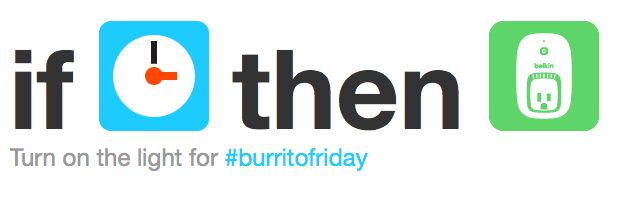
I haven’t come up with any useful ifttt recipes yet for it, but my favorite so far is that every Friday at 10am, my light turns on to remind me to go get a burrito for #BurritoFriday. Sadly, though, as awesome as that is, it still isn’t worth the price tag.
I’d love to hear about your home automation setup. Besides Nest for climate control and Wemo for power, are we any closer to Back to the Future II?

In my work and in my life I take a lot of screenshots. A LOT of them. According to my logs, I take anywhere from 10-35 per day, half of which are usually annotated in one way or another.
Generally speaking, I need to create these on the fly. Whether it’s for Engineering Happiness or showing my wife that I did something cool, I need to make them quickly.
I’ve found an amazing combination of little apps that has made this process super simple, quick, and magical.
First and foremost, the best way to take a screenshot on a Mac is Cmd+Shift+4. This allows you to select the area of the screen and automatically save it to your desktop.
Cool, right? Well, sort of.
By saving an average of 22.5 screenshots to my desktop per day, I’d have to make cleaning up part of my daily routine or else I’d be overwhelmed with a messy desktop at the start of each day. Boo to that.
Luckily, we can fix that pretty easily with a Terminal command. The Terminal can be found under Applications → Utilities on your Mac.
 I’ve created a folder on my desktop called Screenshots where all of my screenshots are automatically saved. If you want to do the same, launch the Terminal and enter this command (after you’ve created the folder, of course):
defaults write com.apple.screencapture location ~/Desktop/Screenshots/
To make this stick, you need to enter one more command which is:
killall SystemUIServer
After you’ve done that, go ahead and give it a whirl. Cmd+Shift+4 yourself away and watch all of your screenshots be saved to a folder instead of directly to the Desktop.
Now that we have that out of the way, here’s where the amazing happens:
Awesome Screenshot is a screenshot annotation add-on for your favorite browser. I personally use the Firefox version, but they also have versions available for Chrome and Safari. This add-on allows you to capture all of the screen or part of the screen and circle, point, and text your way to descriptive annotations. It is super intuitive, and I’d recommend it to anyone. Oh, and it’s totally free.
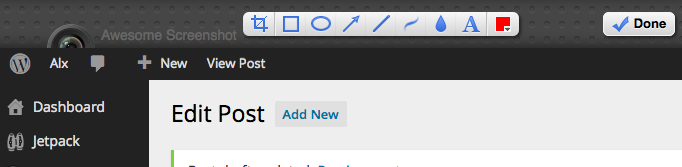
Awesome Screenshot at work
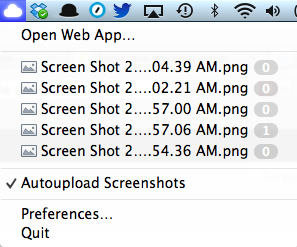
Cloud App Menu
Cloud App lets you upload and share files really easily. One of the most amazing features is Auto Upload Screenshots, which means that each time you take a screenshot it automatically gets uploaded to your account and given a URL, which is automagically copied to your clipboard for easy sharing. You can upload and share almost any type of file with it, which is equally awesome. Another cool thing is that you can use your own URL with it so that your sharing is more personal. I use the URL http://im.alxb.co for my screenshots. They do have a free version, but I’ve found the need for the Pro version which is $3.75 per month. Totally worth it.
Now each of these on their own is super powerful and helpful in many ways, but what happens when you combine them? Magic. That’s what happens.
The flow of it is pretty simple, but totally powerful:
You’re on a page where you want to point something out to someone and you simply click the Awesome Screenshot icon in your browser. This opens up a new tab, where you can annotate away, making your screenshot. . . um. . . awesome. The next step is to Cmd+Shift+4 that puppy so it’s automatically saved to your Screenshots folder and uploaded to Cloud App. Once it’s automatically uploaded to Cloud App, you have a nice neat URL copied to your clipboard, ripe for sharing. Magic, I tell you, magic.
Here’s a quick video of the flow. It takes no time at all, and works great for quick sharing of ideas (Full-screen this bad-boy to really see it in action):

Yesterday, as the sun was shining and I was driving through Philly in my new(ish) car with the windows down, pumping NPR through my top-o-the-line stereo, I had an experience that hasn’t left my mind.
A man, dressed in a neatly pressed blue button down shirt and clean khakis, stood outside of my window. He held a cardboard sign in his hands and he looked at me with pure fear in his eyes. His sign read:
Homeless Father of 2. Lost everything. Will work. Please help. God is great.
He opened his mouth to ask me something, and I stared straight ahead, ignoring him completely. That was wrong, and I feel completely ashamed at the fact that I would do such a thing. Whether this man was sincere in his plea, or his “story” was fiction, is beyond the point. Another human approached me in a time of need, a time of desperation, a time of vulnerability, and I ignored him.
I don’t think that I’m alone in this reaction.
I have strong feelings about how I help the homeless citizens that I encounter. I’m willing (and often do) purchase food, smokes, drinks, and other small items for someone when they ask me for change outside of the Wawa. I don’t give money. I never give money.
But can I do more? Should I do more? Is it my burden or theirs? If it’s mine, where do I draw the line?
I’m ashamed. I’m a father of two. I count my lucky stars every day that I have been given the opportunities that I have, but should I feel guilty about that success?
I don’t have the answers here, but I can continue to search for them. I will, however, work towards changing my interaction. Each person deserves to be treated equally, regardless of their situation in life. It is not my place to ignore someone asking for help, rather, respond to them with sincerity, like I would with anyone else. My answer may be “no” or it may be “Can I buy you something to eat?” But it will be an answer. Giving respect is the absolute very least that I can do, but it’s an important thing to do.
This father of two did not deserve my disrespect. No one deserves that disrespect.
We’re in this life together and treating each person with respect, even if it’s to tell them that you won’t help them, is an important step in our collective future.
 Alx Block